
On this page
The short answer
Keep Bonsai when every job needs a proposal and a profit sheet. Move when clients should buy the same package again without a scoping call. Wayfront is built for that. HoneyBook, Dubsado, SuiteDash, and Assembly stay in the mix for booking paths, toolkits, or custom apps.
Choose Bonsai when staff time, budgets, workload, contracts, and project profit run the business. Choose Wayfront when clients should buy the same set-price or recurring service again.
Stacks to weigh against Bonsai
Wayfront
Best for: agencies whose clients should buy the same set-price or recurring service again through one account.
HoneyBook
Best for: small businesses turning leads into booked custom projects.
Dubsado
Best for: service firms that build a custom sales path for each project.
SuiteDash
Best for: businesses that want one low-cost back office.
Assembly
Best for: firms that need to build custom apps for each client.
Bonsai and Wayfront begin at different sales motions
Bonsai begins with the lead, proposal, contract, and custom project. Wayfront begins with a defined service and carries that purchase through the client relationship.
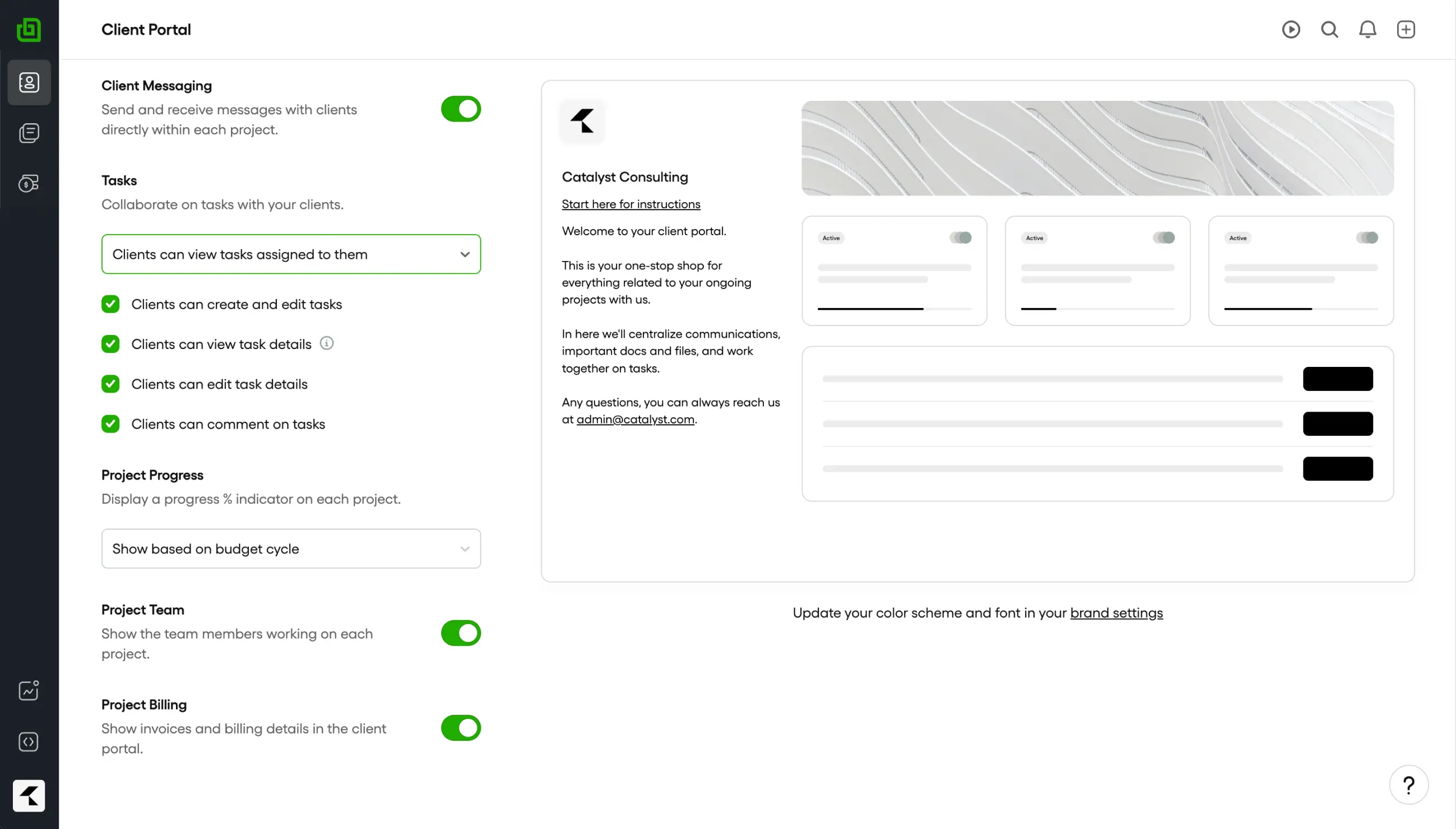
Bonsai organizes professional services around leads, proposals, contracts, projects, time, budgets, staffing, and profitability. Choose it when every engagement needs custom scope and the project economics control delivery. A repeatable offer needs a different path once a client should be able to understand, buy, and buy again without rebuilding a proposal.
Choose Bonsai when
Project economics run the business
Choose Bonsai when staff time, budgets, workload, contracts, and project profit run the business.
Choose Wayfront when
The same service should sell again
Choose Wayfront when clients should buy the same set-price or recurring service again.
The operating difference in 3 parts
-
Sales motion
Bonsai: built around scoping and formalizing bespoke client engagements.
Wayfront: built around services with a repeatable scope, price, intake, and delivery path.
-
Operational center
Bonsai: projects connect tasks, time, budgets, staffing, documents, invoices, and profitability.
Wayfront: the service and client account connect checkout, intake, delivery, support, billing, and repeat purchases.
-
Best growth path
Bonsai: makes staff time, budgets, workload, and project profit part of the operating record for custom work.
Wayfront: helps a productized agency earn more from repeat purchases, client referrals, and reseller relationships.
How Wayfront runs the paid service
Once the offer has a price, a scope, and a finish line, the client should not wait for another proposal to buy it again. That is the Post-AI Agency point in product form.
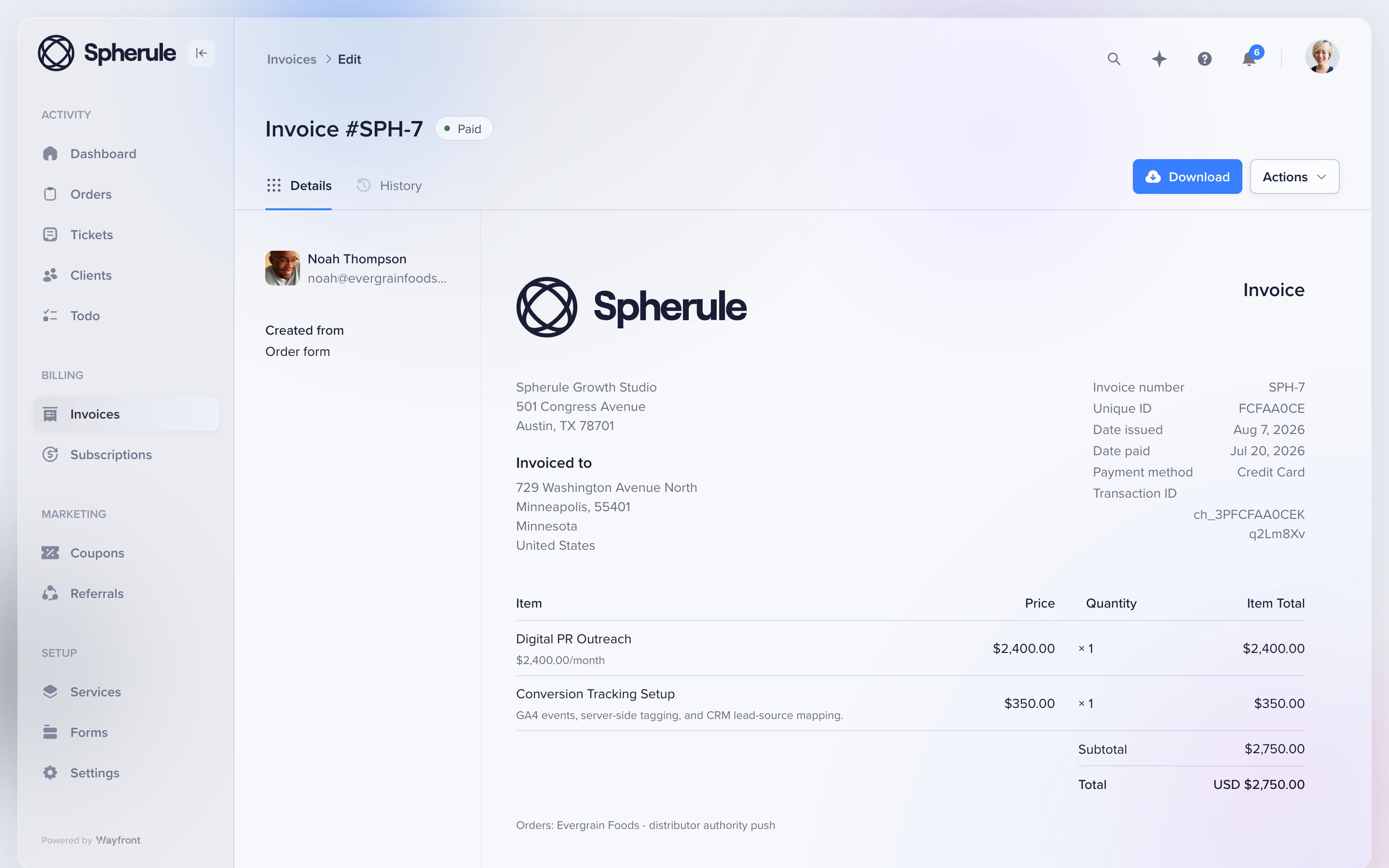
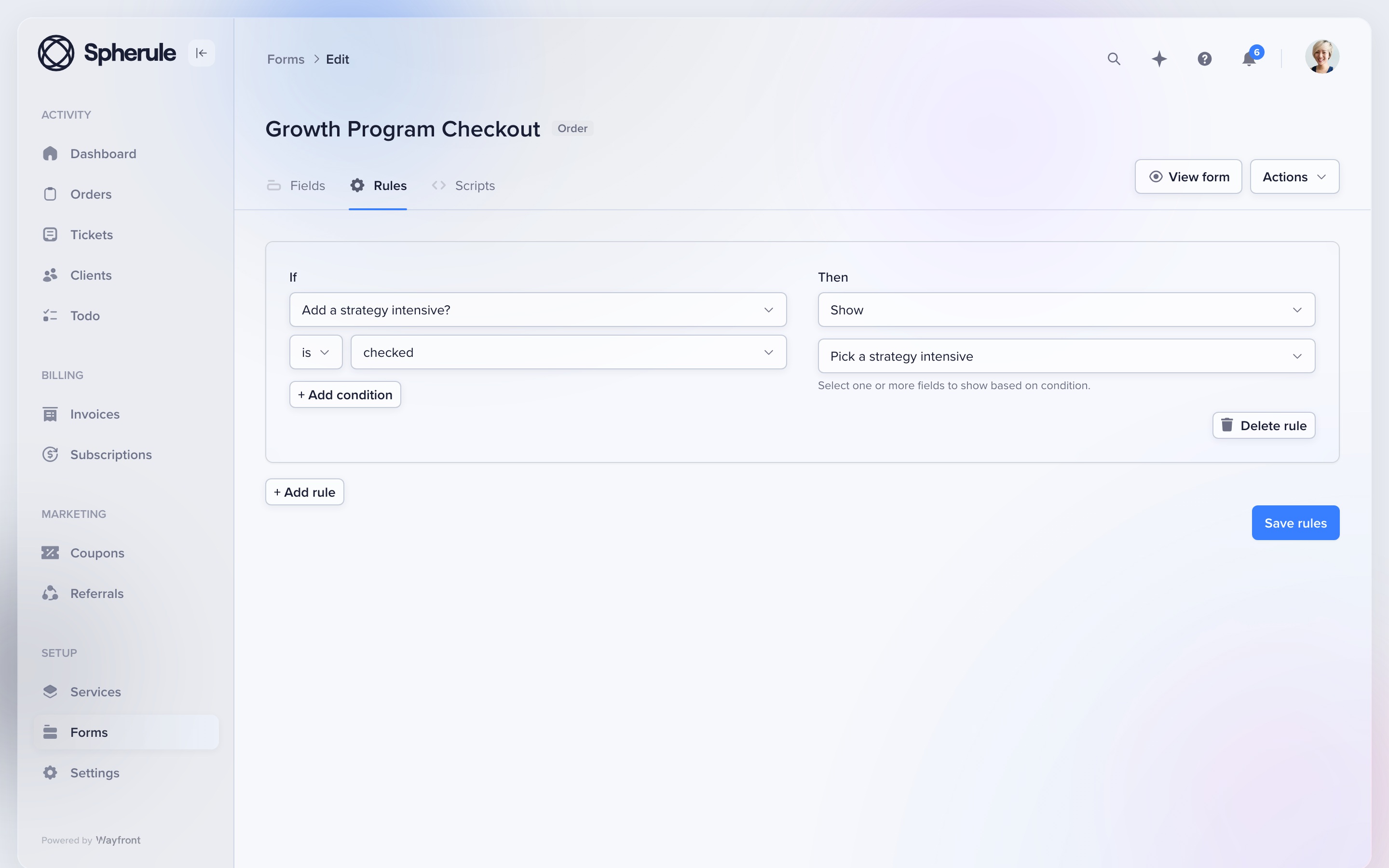
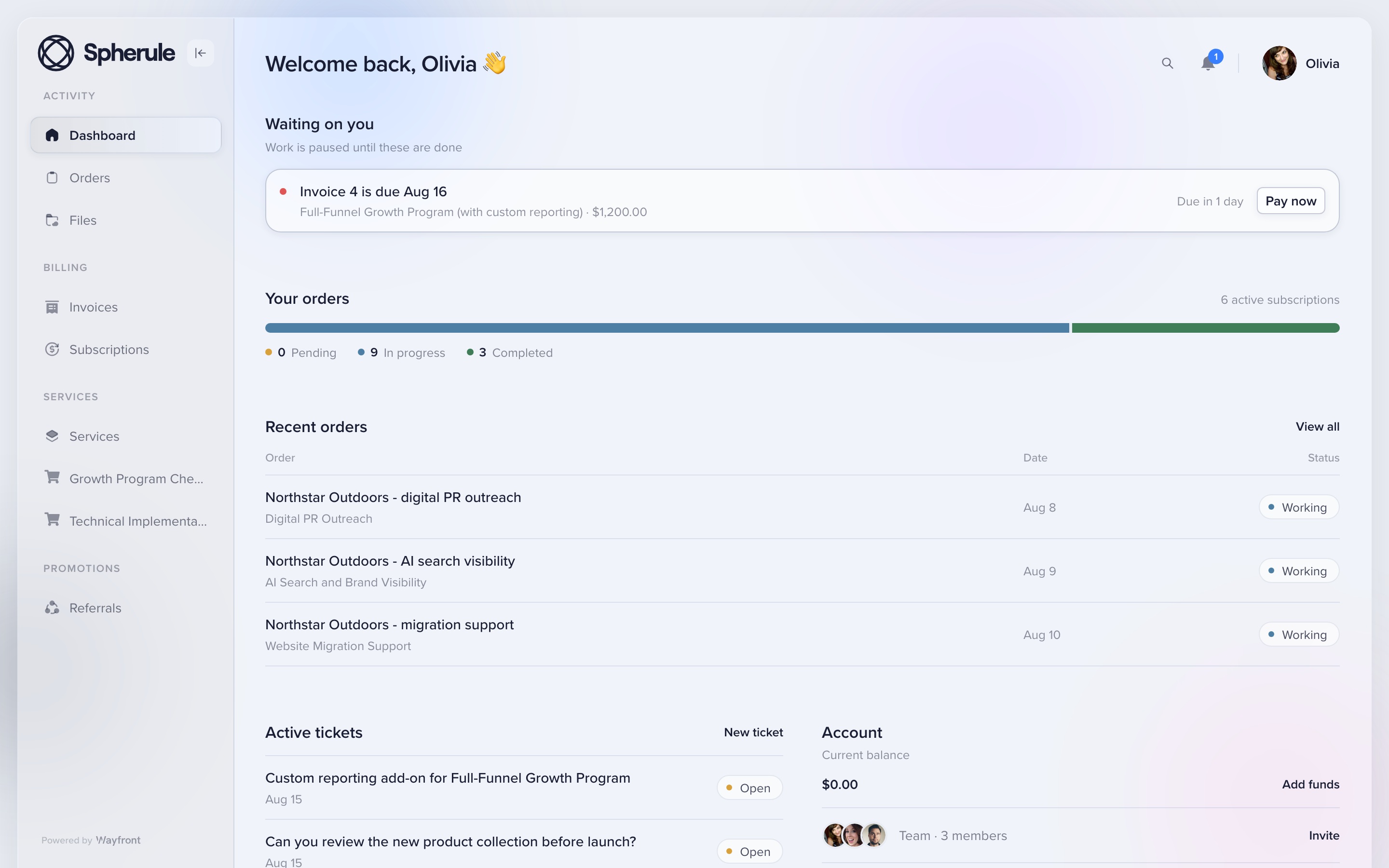
Keep Bonsai when custom scope and project profit still run most of the book. Wayfront does not replace a resource planner.
Full field guide: how Wayfront runs the paid service account.
The other 4 Bonsai alternatives
HoneyBook
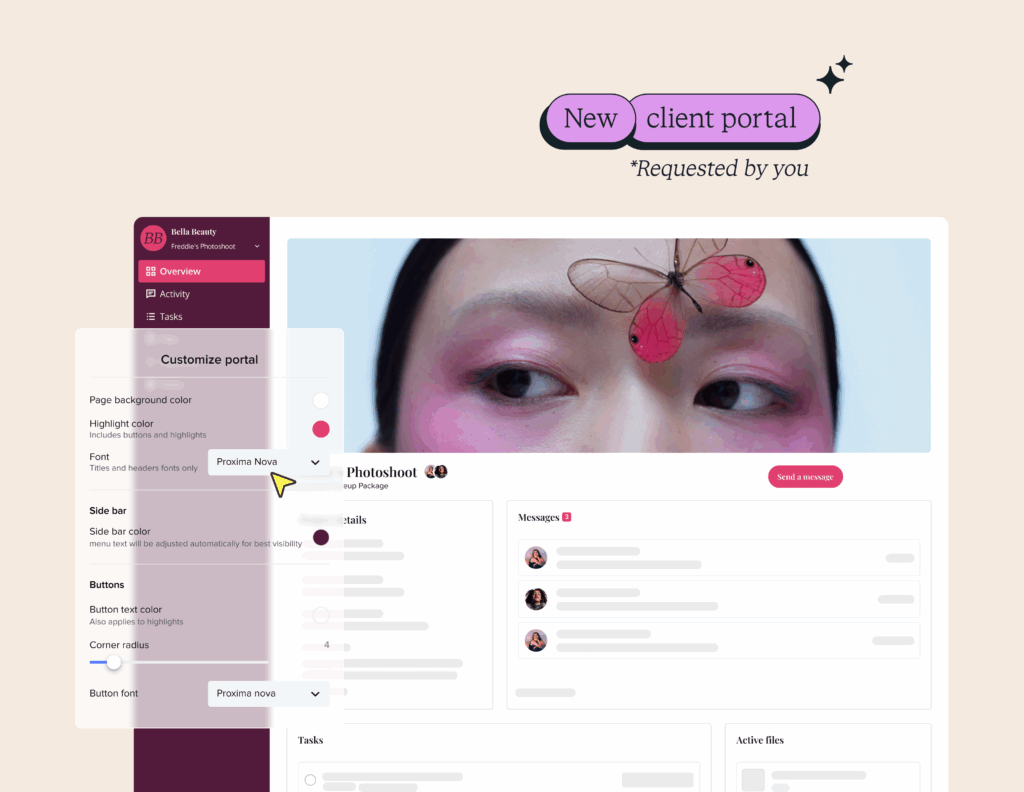
HoneyBook books custom projects. Repeat service sales continue through that model. Full page: HoneyBook alternatives.
Dubsado
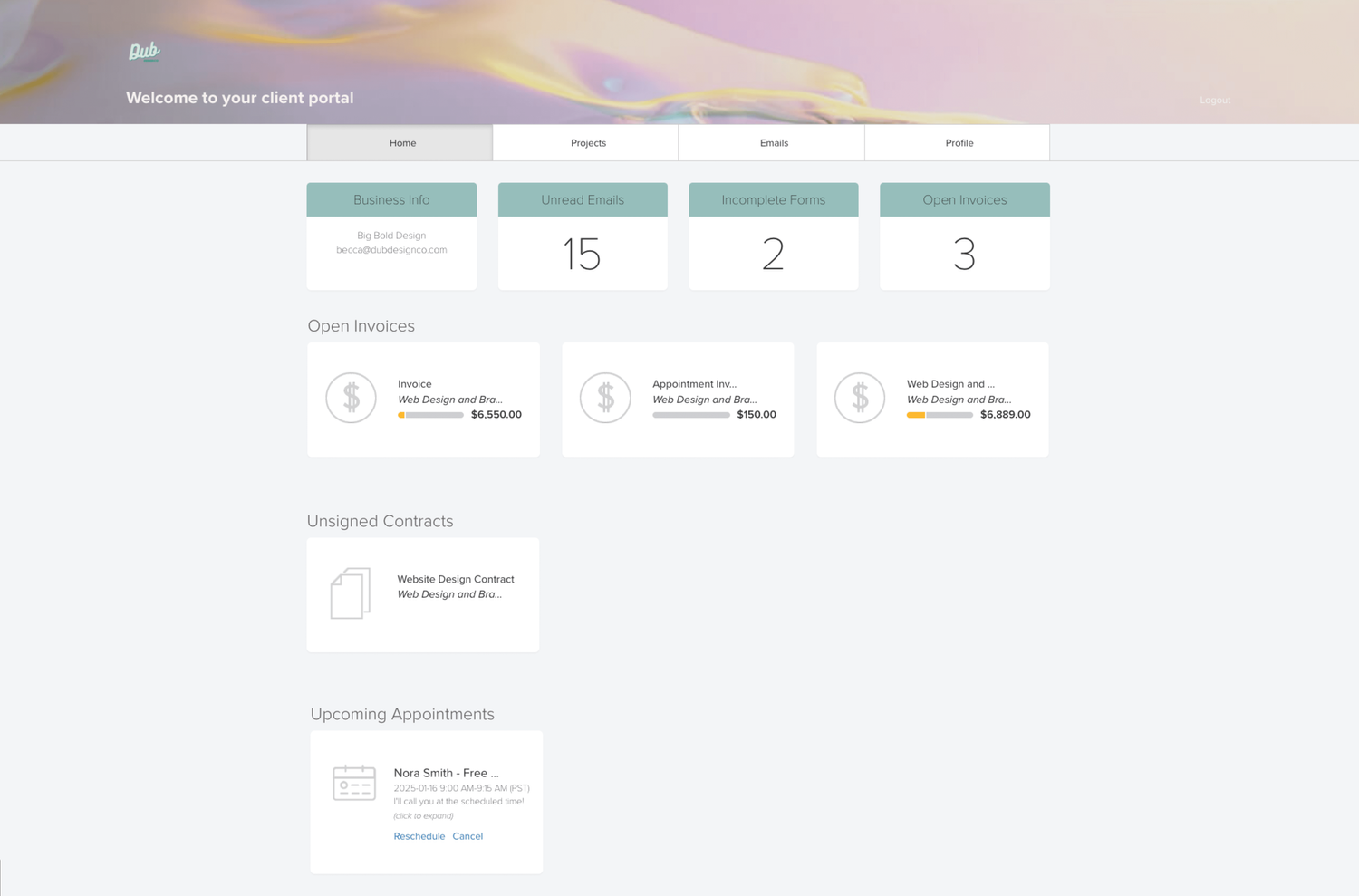
Dubsado constructs a clientflow around each engagement. Full page: Dubsado alternatives.
SuiteDash
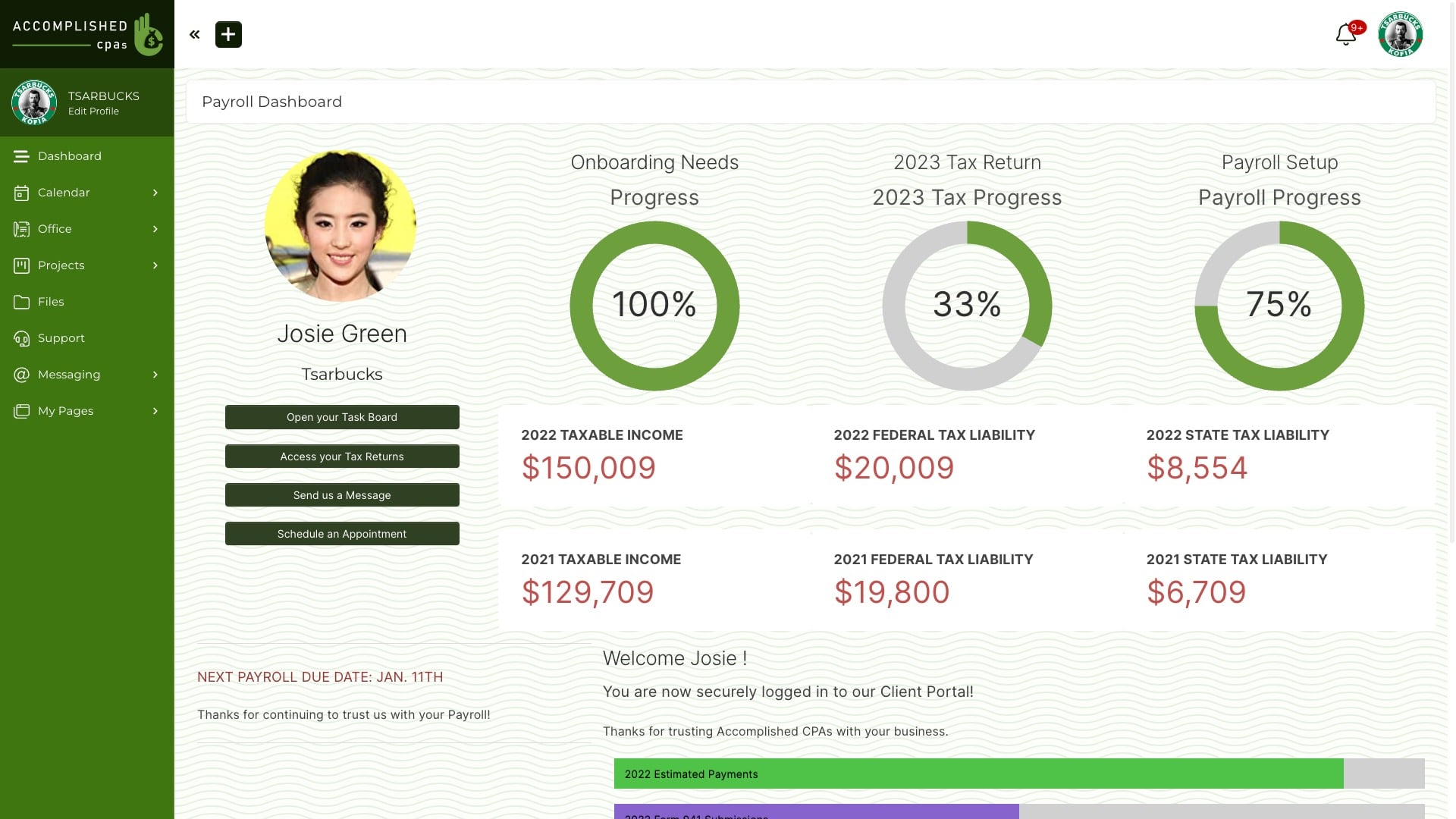
A configurable back office. Full page: SuiteDash alternatives.
Assembly
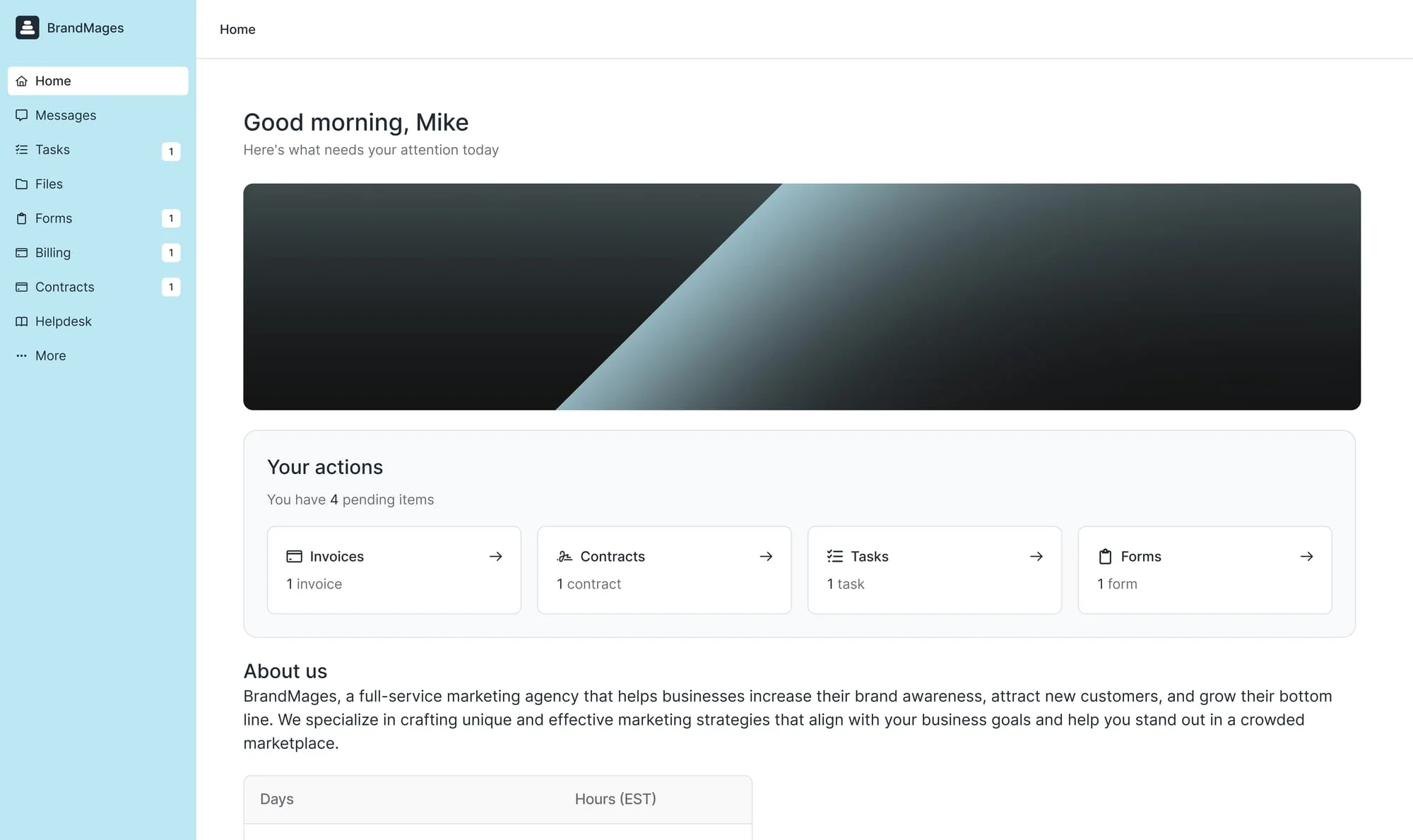
Custom client apps. Full page: Assembly alternatives.
3 tests before you replace Bonsai
Buy the same real service
Try to sell it without writing a new proposal. If the tool forces one, you are still in custom-project mode.
Deliver one awkward request
Change scope, add a file, reply from email, ask for support, and issue a refund.
Sell the next service
Ask the same client to buy again without a new scoping call.
Keep custom projects where they already run
Keep bespoke project structure in the system that already runs it. Identify the engagements that share a scope and delivery pattern, turn those into services, and migrate the active clients who buy them.
Methodology
Bonsai agency, project, proposal, contract, billing, and client-portal documentation reviewed August 2026. Public review profile: Bonsai on G2.
Frequently asked questions
Which stack should replace Bonsai if you sell packages?
Keep Bonsai when every job needs a proposal and a profit sheet. Move when clients should buy the same package again without a scoping call. Wayfront is built for that. HoneyBook, Dubsado, SuiteDash, and Assembly stay in the mix for booking paths, toolkits, or custom apps.
What should I test before replacing Bonsai?
Use one service and one real client. Test the first purchase, an awkward delivery request, a second purchase, and every payment or message that must move between tools.
Do I need to move everything out of Bonsai?
Keep Bonsai for the job it handles best. Move one paid service first, give each system a clear job, and remove the old path only after a full billing and delivery cycle works.
Which work should stay in my CRM or project tool?
Keep leads, custom proposals, deep task planning, workload, time, and resource schedules in the tools built for them. Move the repeatable service, purchase, intake, client updates, support, and repeat sale only when those jobs belong together.
See the service-to-delivery path
Wayfront keeps the purchase, intake, delivery, and next sale on the same client account.
Build your workspace