
On this page
The short answer
Leave SuiteDash when you're tired of wiring CRM, bills, and portal pages into a service path. Wayfront already treats the purchase as the spine. Assembly, Clinked, Bonsai, and Zendo fit custom apps, files, proposals, or request queues.
Choose SuiteDash when one Swiss Army knife must cover CRM, projects, billing, files, portals, proposals, and rules. Choose Wayfront when the service, purchase, intake, delivery, client messages, and next sale should work as one flow.
Stacks to weigh against SuiteDash
-
Wayfront
Best for: agencies selling repeatable productized services. The purchased service is already the organizing object for checkout, intake, client delivery, billing, and repeat sales.
-
Assembly
Best for: firms that need to build custom apps for each client. Most plans cap active contacts, and store sales add a billing-method fee.
-
Clinked
Best for: secure files, client workspaces, permissions, and branded mobile access. Commerce stays outside the workspace.
-
Bonsai
Best for: custom projects that start with a proposal. Repeatable service sales inherit that custom-project administration.
-
Zendo
Best for: service teams that want a storefront, client dashboard, and request-led delivery. Affiliate tracking uses Rewardful or Tapfiliate.
SuiteDash is a configurable back office for many industries
SuiteDash gives an operator a large box of business modules. Wayfront has made more opinionated choices around how a productized agency sells, serves, and grows client accounts.
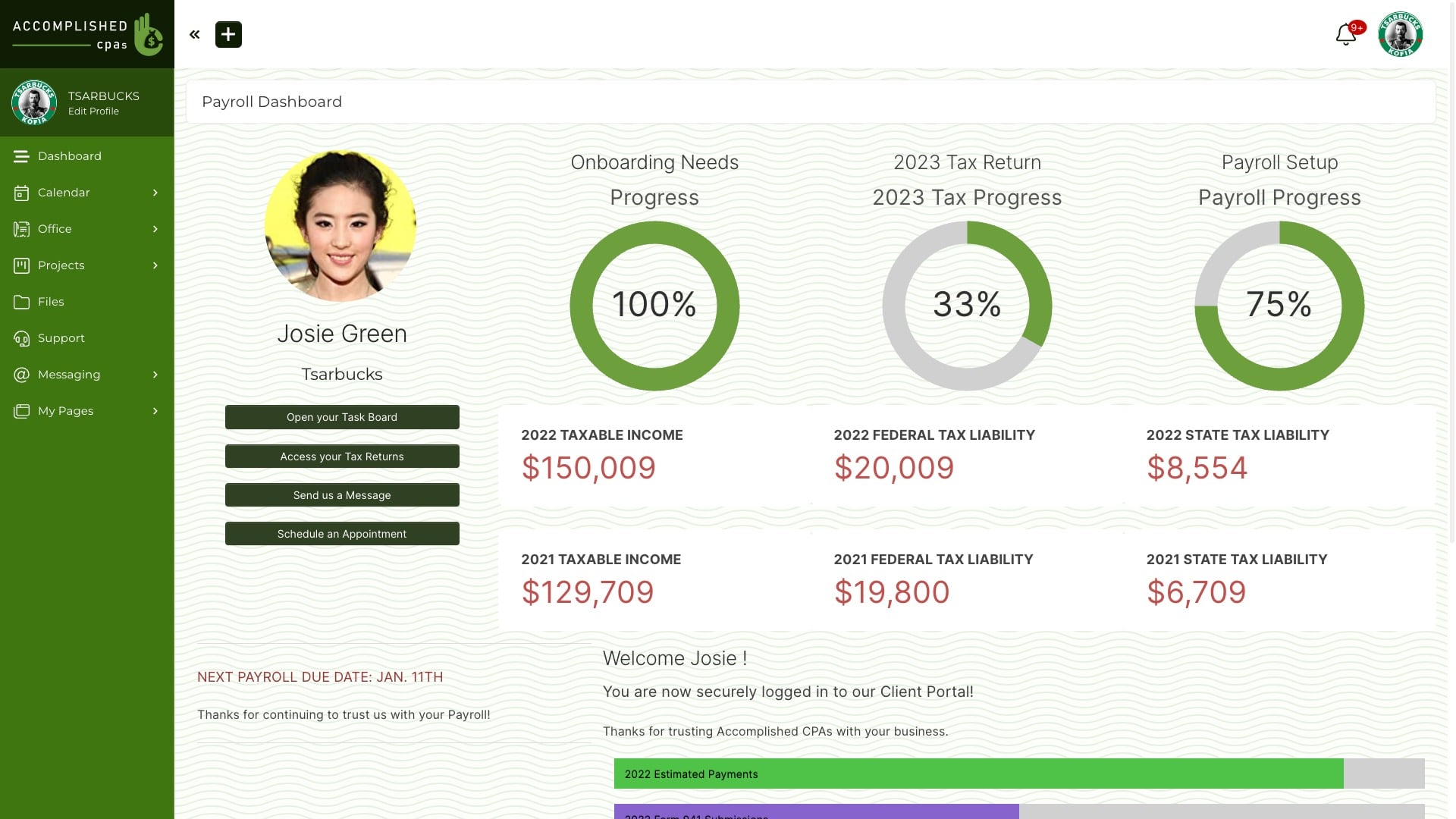
SuiteDash spreads CRM, proposals, invoices, projects, files, portal pages, and rules across a broad back office. The team decides how they should connect. Choose it when replacing office tools matters most. The team has to build and maintain the link between each service and the client path.
In our August 2026 visual review, the current interface looked dense and dated beside the other products on the best client portal shortlist.
Choose SuiteDash when
You want one low-cost back office
Choose SuiteDash when one Swiss Army knife must cover CRM, projects, billing, files, portals, proposals, and rules.
Choose Wayfront when
The service should already be the spine
Choose Wayfront when the service, purchase, intake, delivery, client messages, and next sale should work as one flow.
The operating difference in 3 parts
-
Product philosophy
SuiteDash: designed to replace multiple administrative tools for businesses across many industries.
Wayfront: designed around agencies selling repeatable productized services.
-
Implementation
SuiteDash: the operator connects CRM records, proposals, invoices, projects, templates, access rules, and automations into the workflow they want.
Wayfront: the purchased service is already the organizing object for checkout, intake, client delivery, billing, and repeat sales.
-
Client experience
SuiteDash: the portal reflects a broad business suite, so the owner must decide which CRM, project, billing, automation, and content modules each client should see.
Wayfront: the client experience begins with the repeatable service they bought, then keeps intake, communication, support, billing context, and the next purchase together.
How Wayfront runs the paid service
Wayfront does not ask you to wire checkout to projects to tickets. The purchase creates those records.
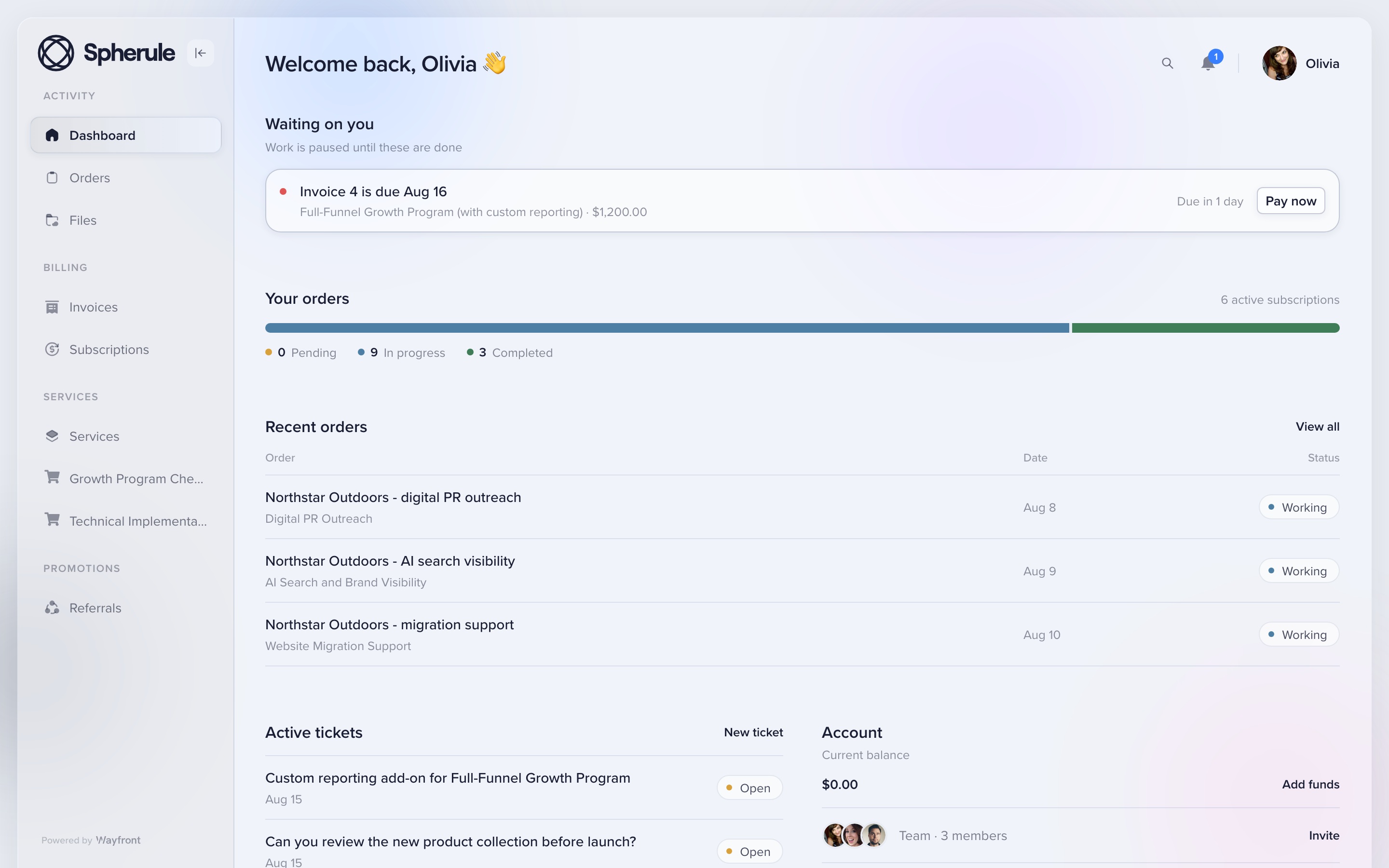
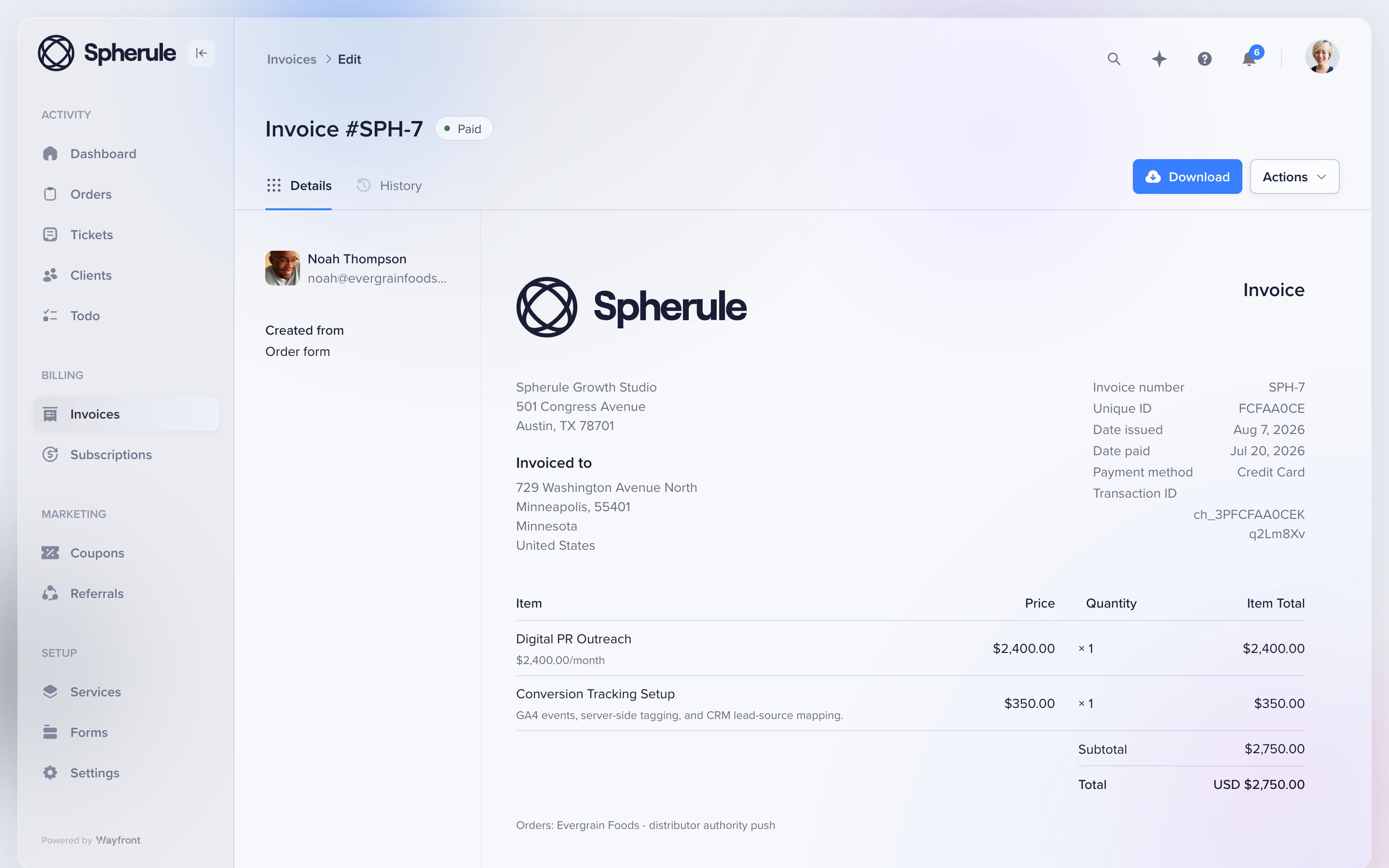
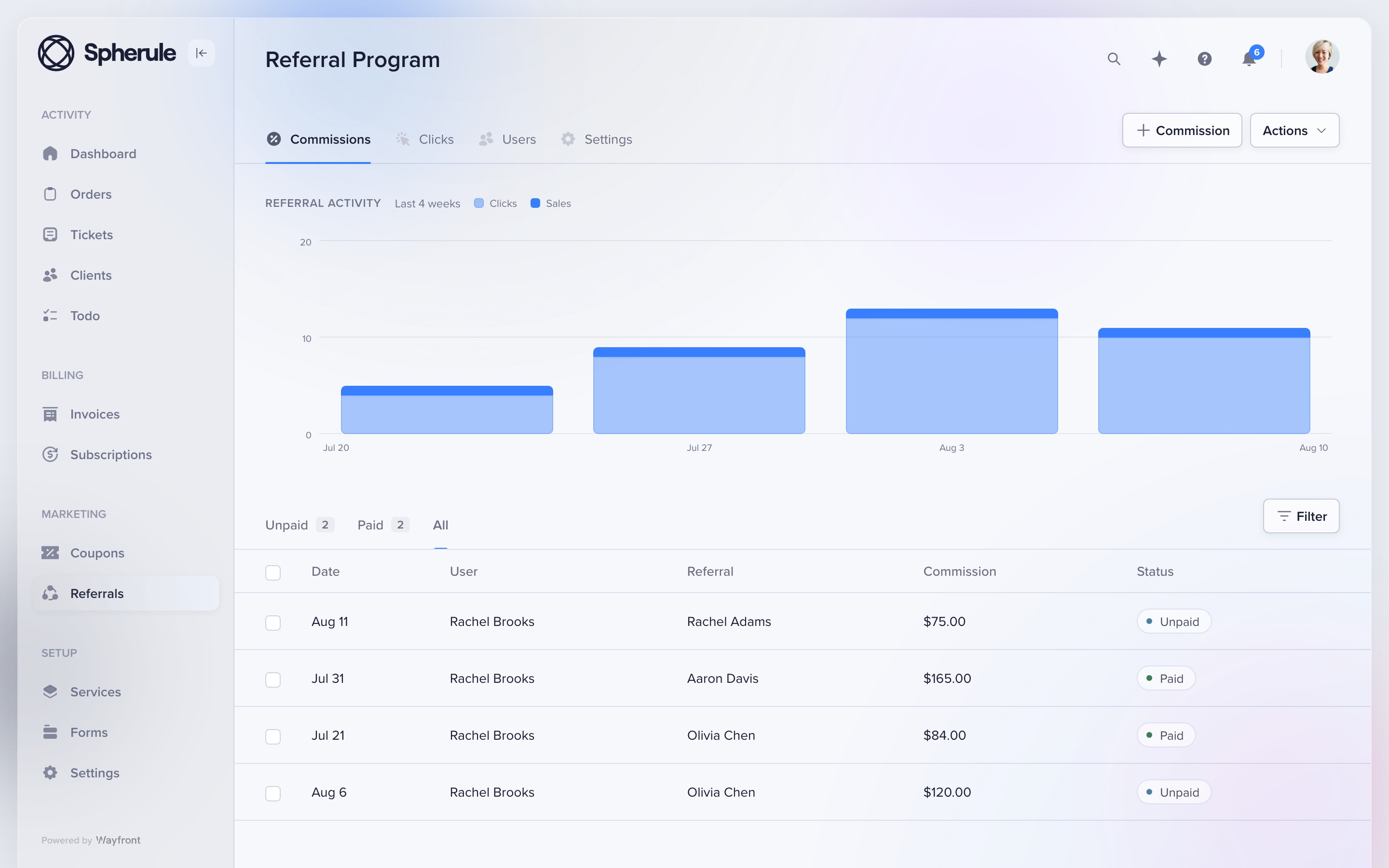
Wayfront stops at repeatable services. Custom work that starts with a proposal needs its own sales process. Deep resource planning can stay in a dedicated PM tool. That is the same honest boundary as the manifesto.
Full field guide: how Wayfront runs the paid service account.
The other 4 SuiteDash alternatives
Assembly
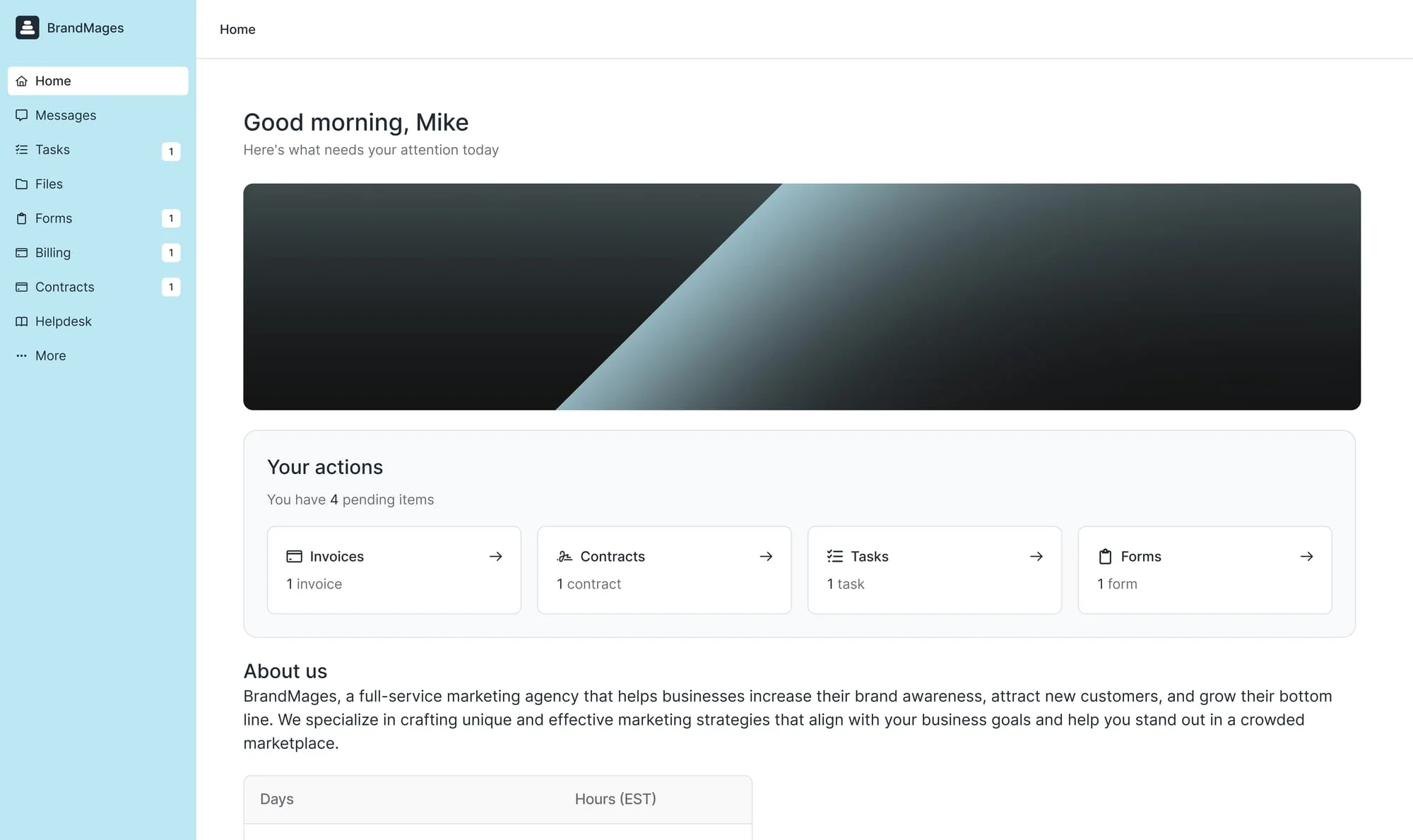
Assembly lets a firm assemble client apps, pages, contracts, files, forms, and billing. Store payments reconcile through Stripe Express and add a 0.3% to 1.5% billing-method fee. Full page: Assembly alternatives.
Clinked
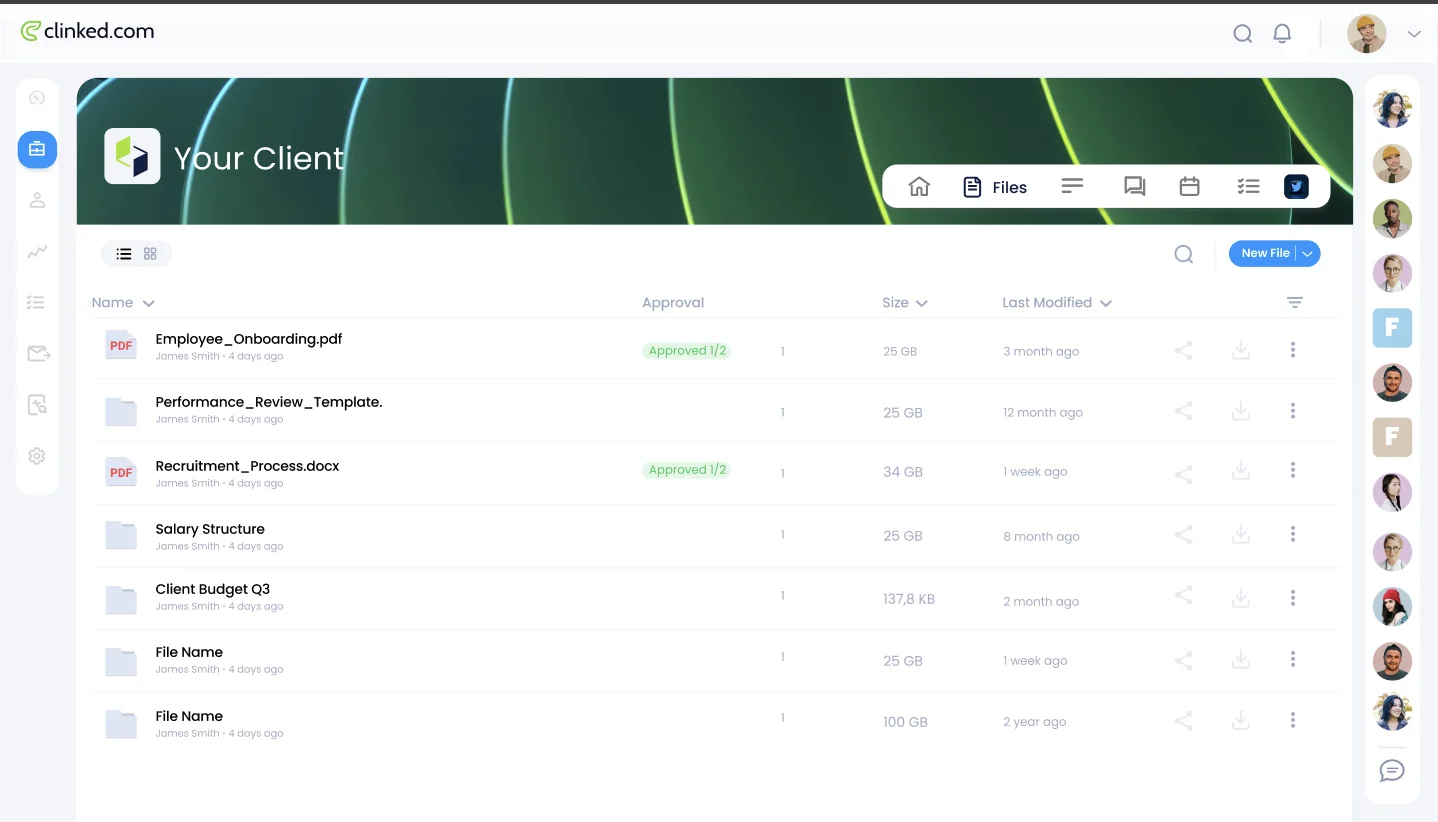
Clinked treats collaboration, document control, permissions, and branded access as the core job. Selling a defined service and making the next sale still need a commercial layer. Full page: Clinked alternatives.
Bonsai
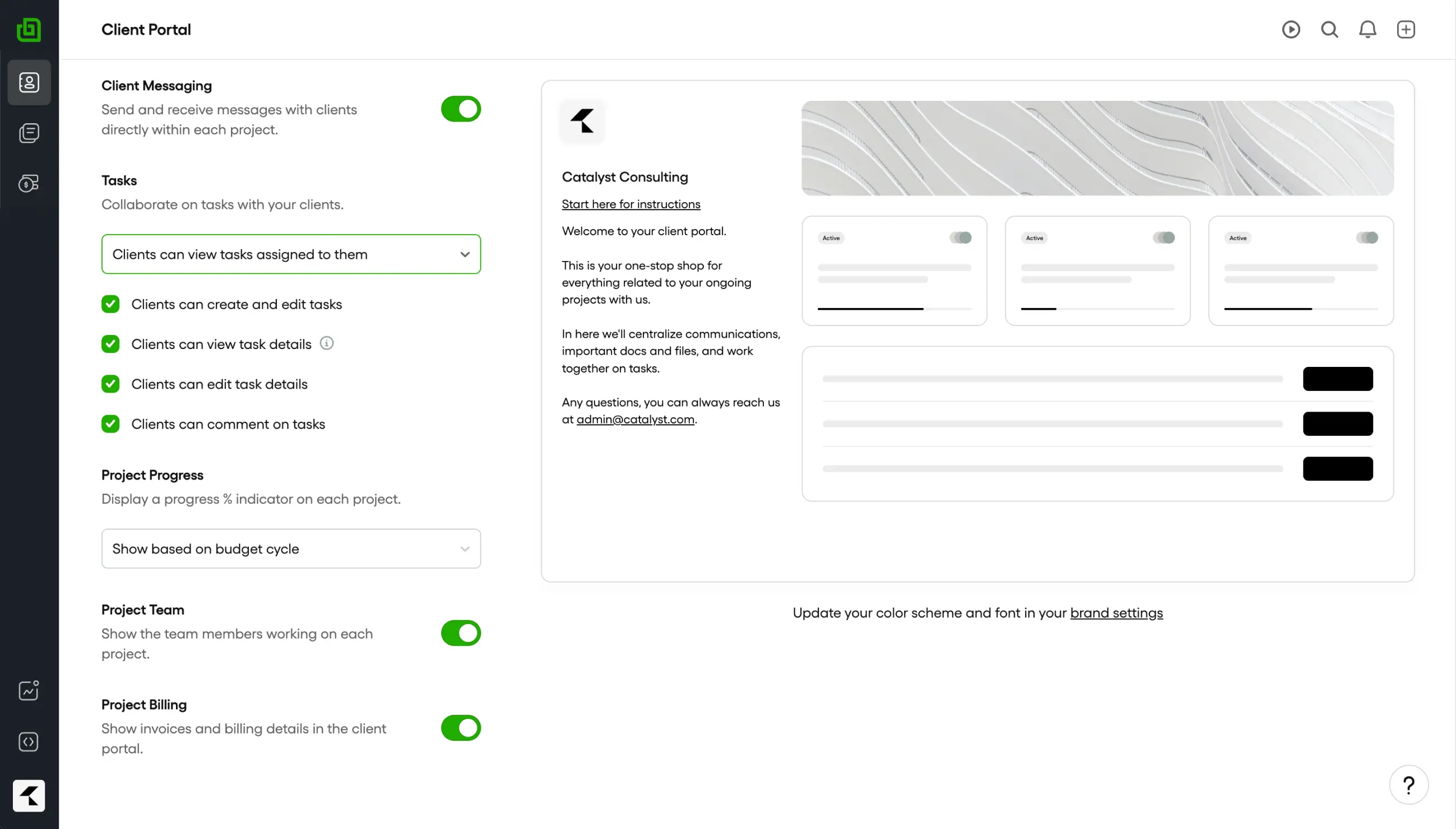
Bonsai begins with the lead, proposal, contract, and custom project. Choose it when staff time, budgets, workload, and project profit run the business. Full page: Bonsai alternatives.
Zendo
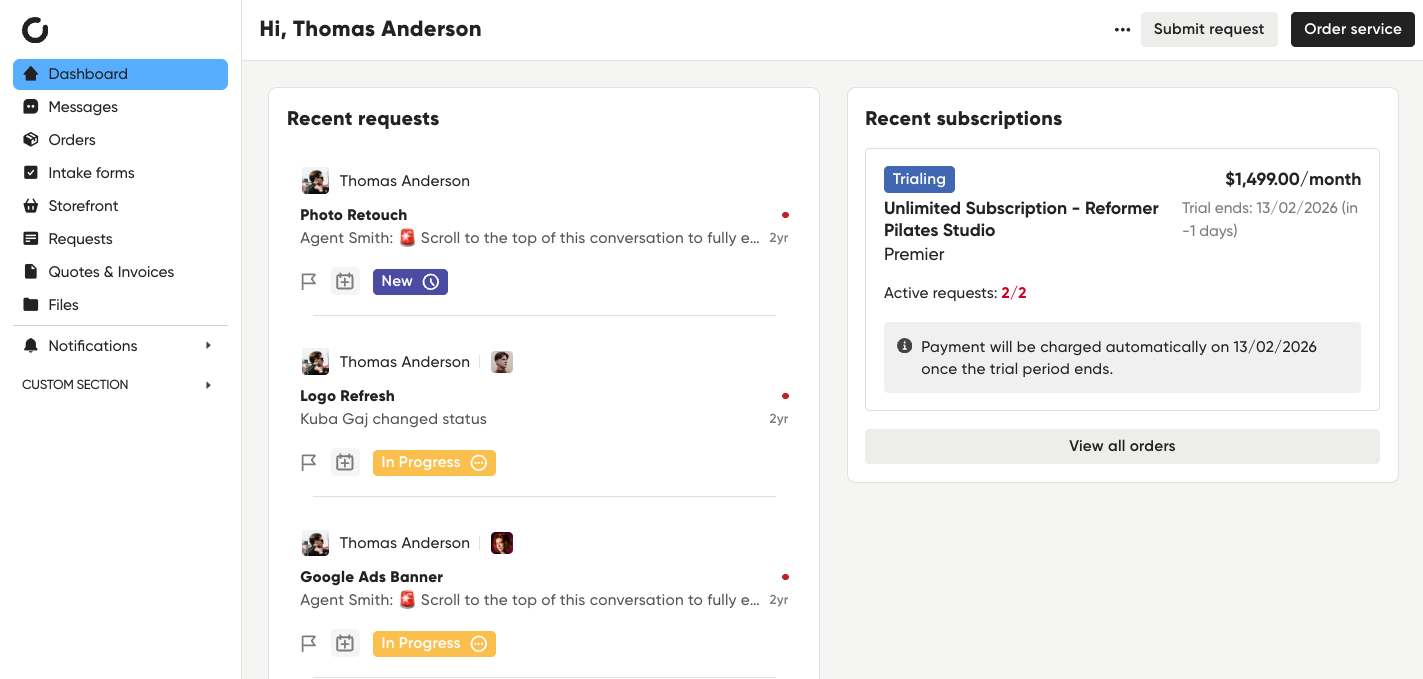
Zendo keeps a persistent client dashboard and makes requests the center of delivery. Choose it when the request queue should run the work. Full page: Zendo alternatives.
3 tests before you replace SuiteDash
-
Buy the same real service
Use the same scope, price, options, and intake. Count every module you had to connect by hand to make checkout create the right work.
-
Deliver one awkward request
Change scope, add a file, reply from email, ask for support, and issue a refund. Check which records keep the history.
-
Sell the next service
Ask the same client to buy again or renew. If the second sale needs another rule you have to maintain, you still own the glue.
How to leave one SuiteDash service at a time
List the SuiteDash modules used by one active service, then rebuild the client journey around that service. Move the service, intake, billing rules, active client records, and current files first.
Methodology
SuiteDash product, pricing, workflow, and portal documentation reviewed August 2026. Public review profile: SuiteDash on G2.
Frequently asked questions
Which stack should replace SuiteDash if you sell packages?
Leave SuiteDash when you're tired of wiring CRM, bills, and portal pages into a service path. Wayfront already treats the purchase as the spine. Assembly, Clinked, Bonsai, and Zendo fit custom apps, files, proposals, or request queues.
What should I test before replacing SuiteDash?
Use one service and one real client. Test the first purchase, an awkward delivery request, a second purchase, and every payment or message that must move between tools.
Do I need to move everything out of SuiteDash?
Keep SuiteDash for the job it handles best. Move one paid service first, give each system a clear job, and remove the old path only after a full billing and delivery cycle works.
Which work should stay in my CRM or project tool?
Keep leads, custom proposals, deep task planning, workload, time, and resource schedules in the tools built for them. Move the repeatable service, purchase, intake, client updates, support, and repeat sale only when those jobs belong together.
See the service-to-delivery path
Wayfront keeps the purchase, intake, delivery, and next sale on the same client account.
Build your workspace