
On this page
The short answer
Keep Clinked when the job is a branded file room. Move when you sell packages and still need checkout and intake. Wayfront puts those jobs on one account. Assembly, SuiteDash, Zendo, and Agency Handy cover apps, a toolkit, requests, or an ops suite.
Choose Clinked when you want a branded file-sharing workspace more than you want selling, billing, and delivery in one system. Choose Wayfront when you sell packages, not just share files.
Stacks to weigh against Clinked
Wayfront
Best for: agencies whose clients should buy the same set-price or recurring service again through one account.
Assembly
Best for: firms that need to build custom apps for each client, not only share files.
SuiteDash
Best for: businesses that want one low-cost back office.
Zendo
Best for: service teams that want a storefront, client dashboard, and request-led delivery.
Agency Handy
Best for: agencies that want the portal and internal projects in one suite.
Clinked shares files. Wayfront sells the service.
Clinked is a white-label client portal with branded workspaces, file sharing, and collaboration. Wayfront is a better fit if you sell productized services, not just share files.
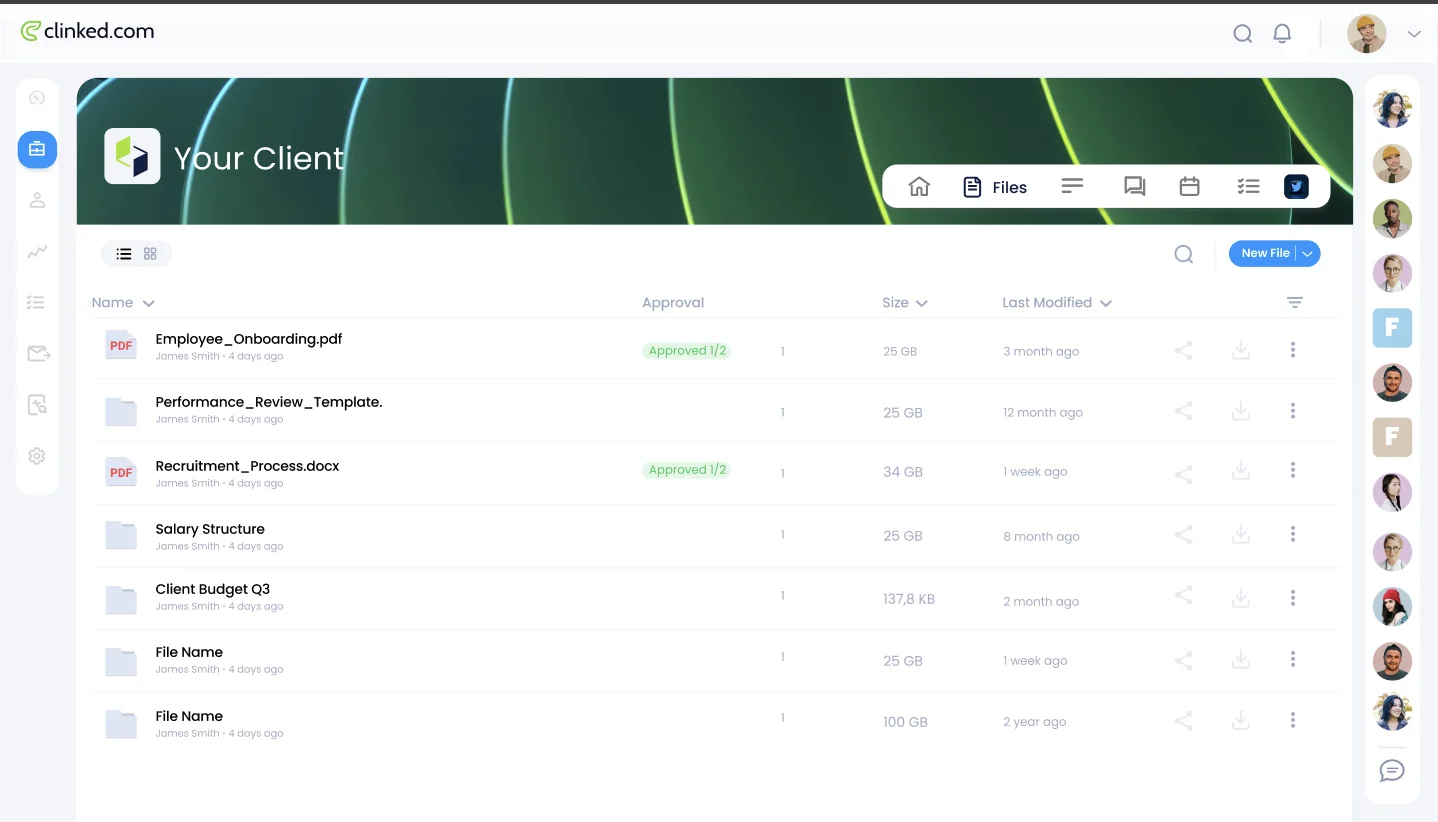
Clinked gives each client a secure group for files, messages, collaboration, permissions, and branded mobile access. Choose it when controlled document exchange is the main job. Selling a defined service, collecting payment, launching intake, and making the next sale still need a separate commercial layer.
Choose Clinked when
Files and access are the product
Choose Clinked when you want a branded file-sharing workspace more than you want selling, billing, and delivery in one system.
Choose Wayfront when
The package should sell again
Choose Wayfront when you sell packages, not just share files, and you need selling, billing, and delivery in one system.
The operating difference in 3 parts
-
Core job
Clinked: a white-label portal for branded workspaces, file sharing, and collaboration.
Wayfront: a portal for selling and delivering a defined service, then selling the next one.
-
Commercial layer
Clinked: the service purchase stays a separate concern from the file workspace.
Wayfront: checkout starts intake, delivery, support, and the next sale on the same account.
-
Best growth path
Clinked: grows around more files, more workspaces, and tighter access rules.
Wayfront: grows around repeat purchases, client referrals, and reseller relationships.
How Wayfront runs the paid service
Once the offer has a price, a scope, and a finish line, the client should not wait for a new file drop to buy it again. That is the Post-AI Agency point in product form.
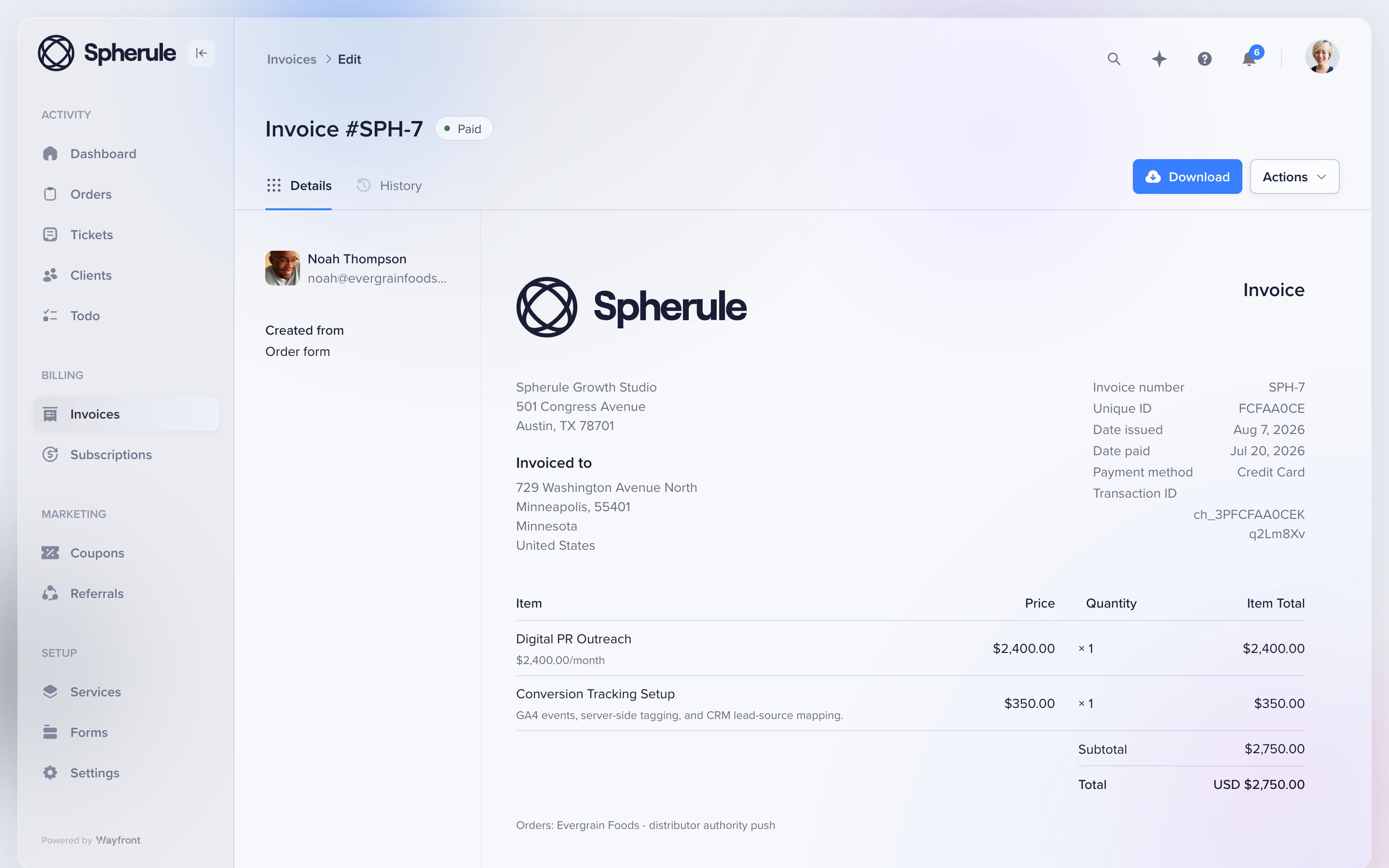
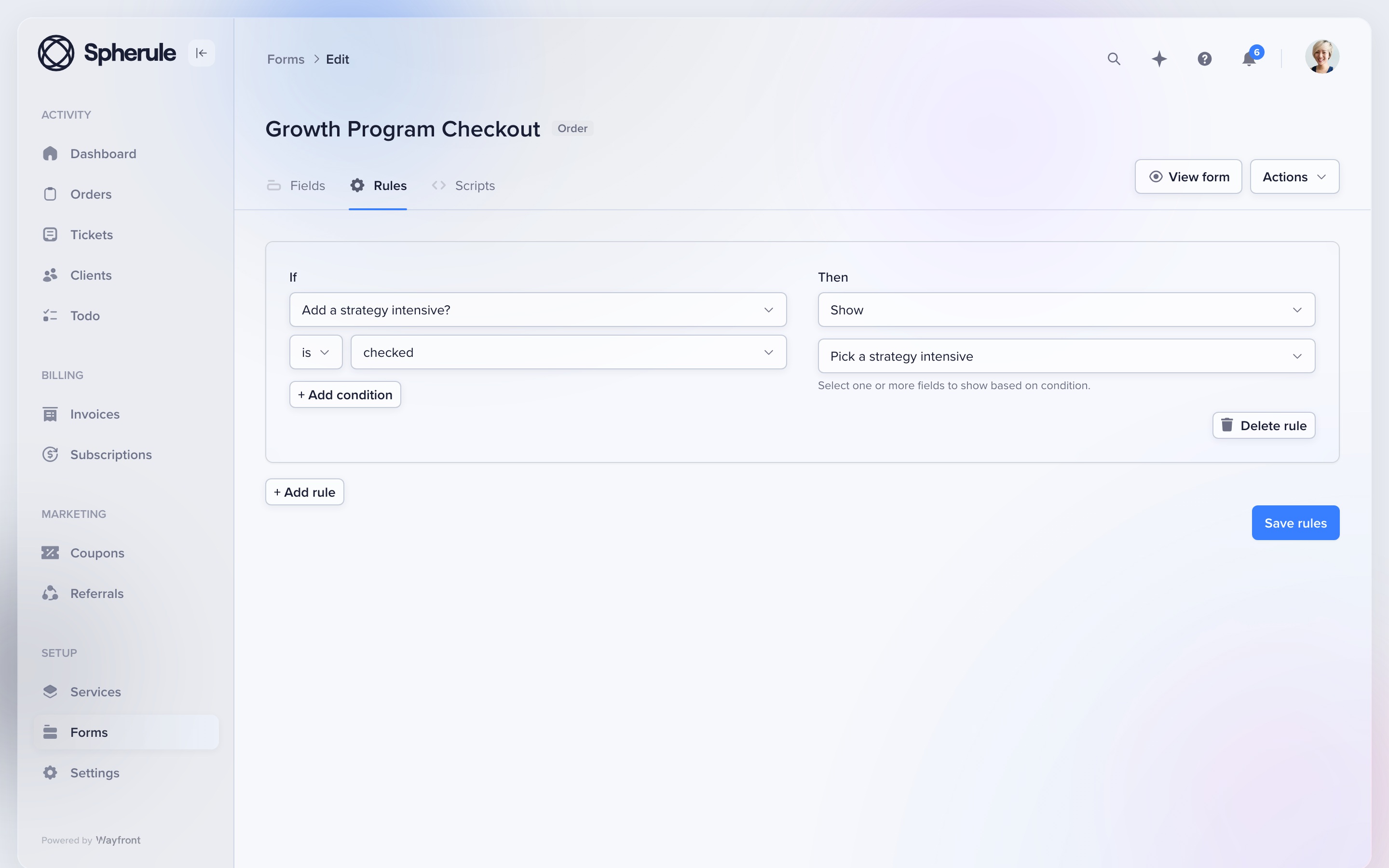
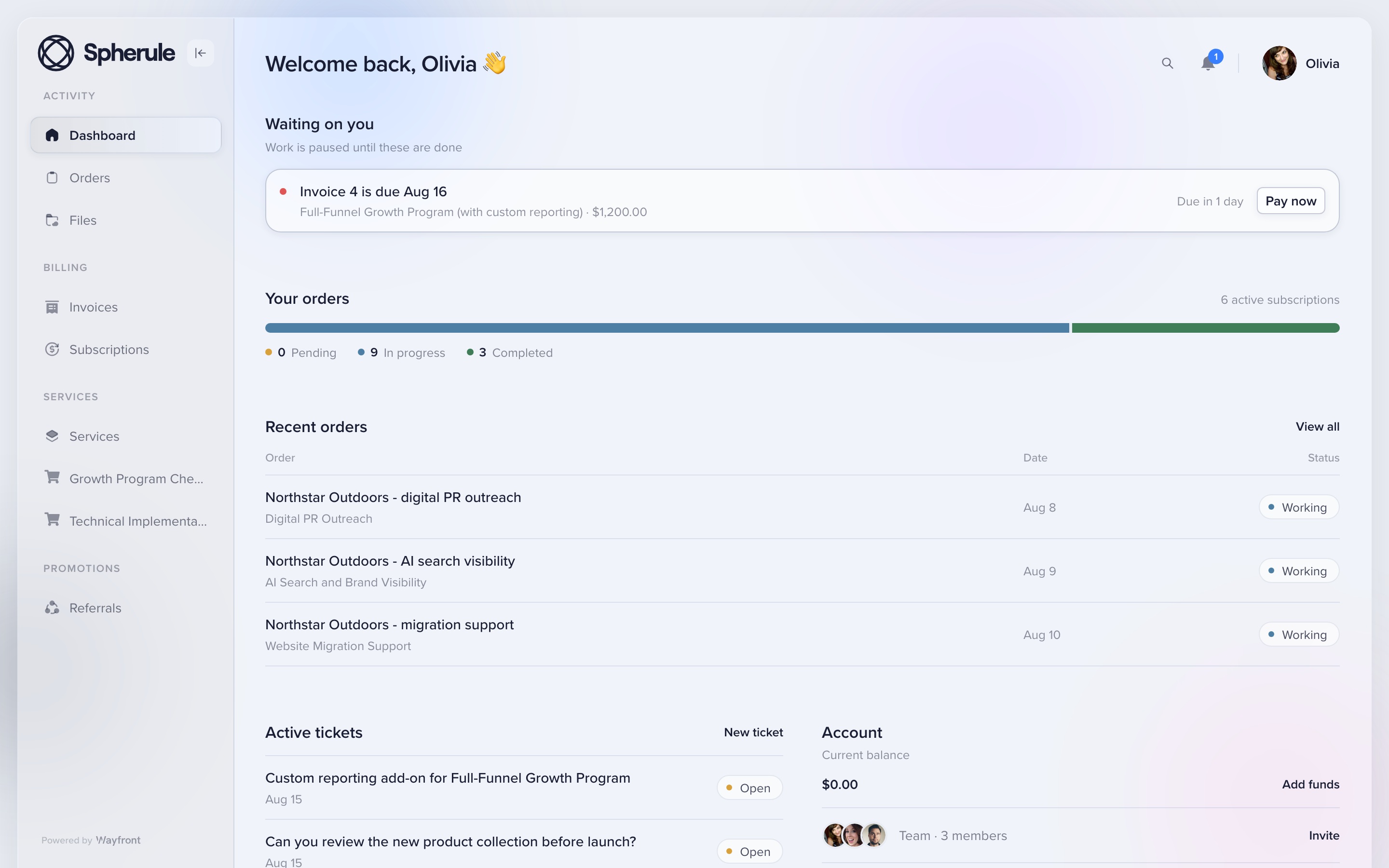
Keep Clinked when safe file sharing is still the main job. Wayfront does not replace a document-control workspace.
Full field guide: how Wayfront runs the paid service account.
The other 4 Clinked alternatives
Assembly
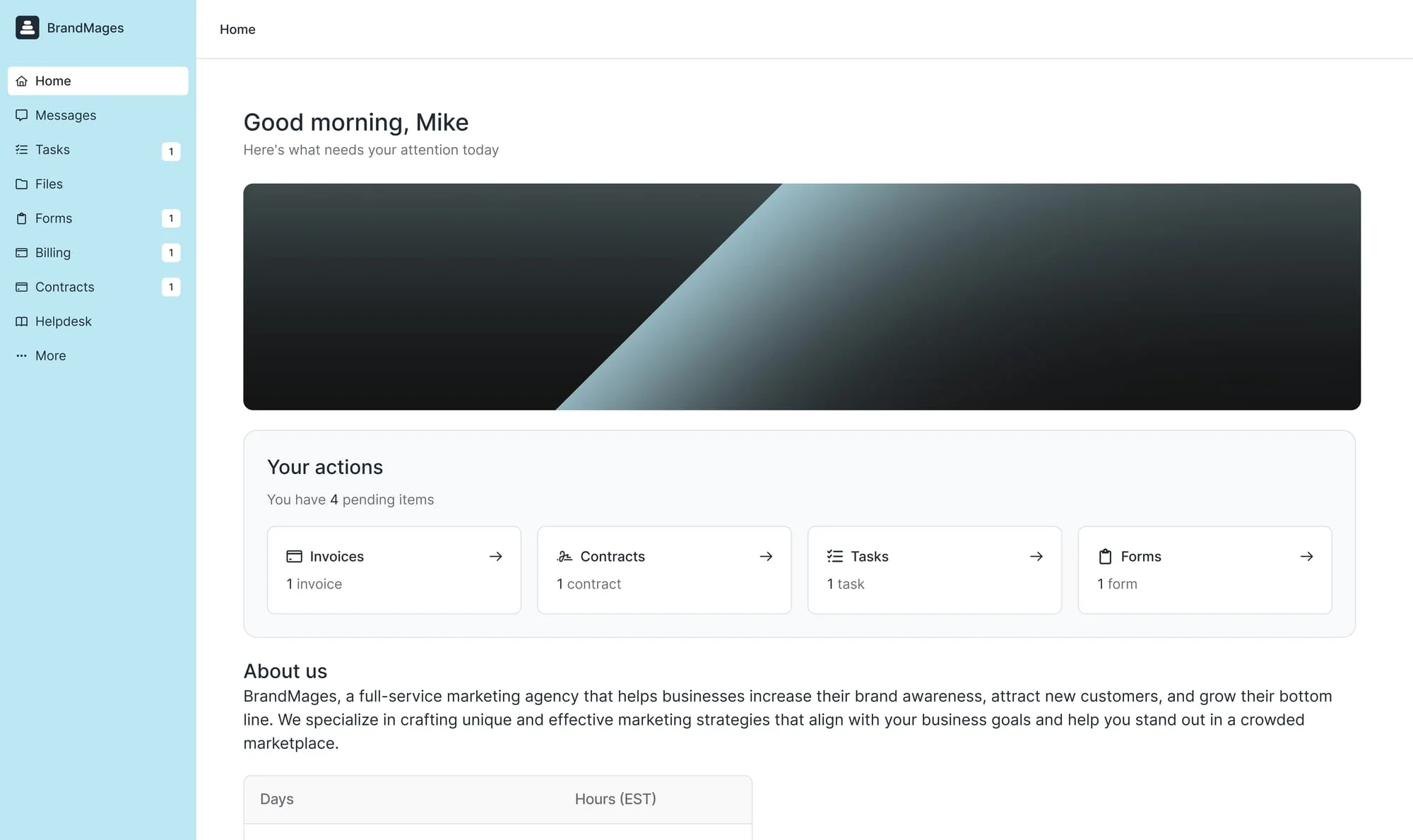
Custom client apps, not only files. Full page: Assembly alternatives.
SuiteDash
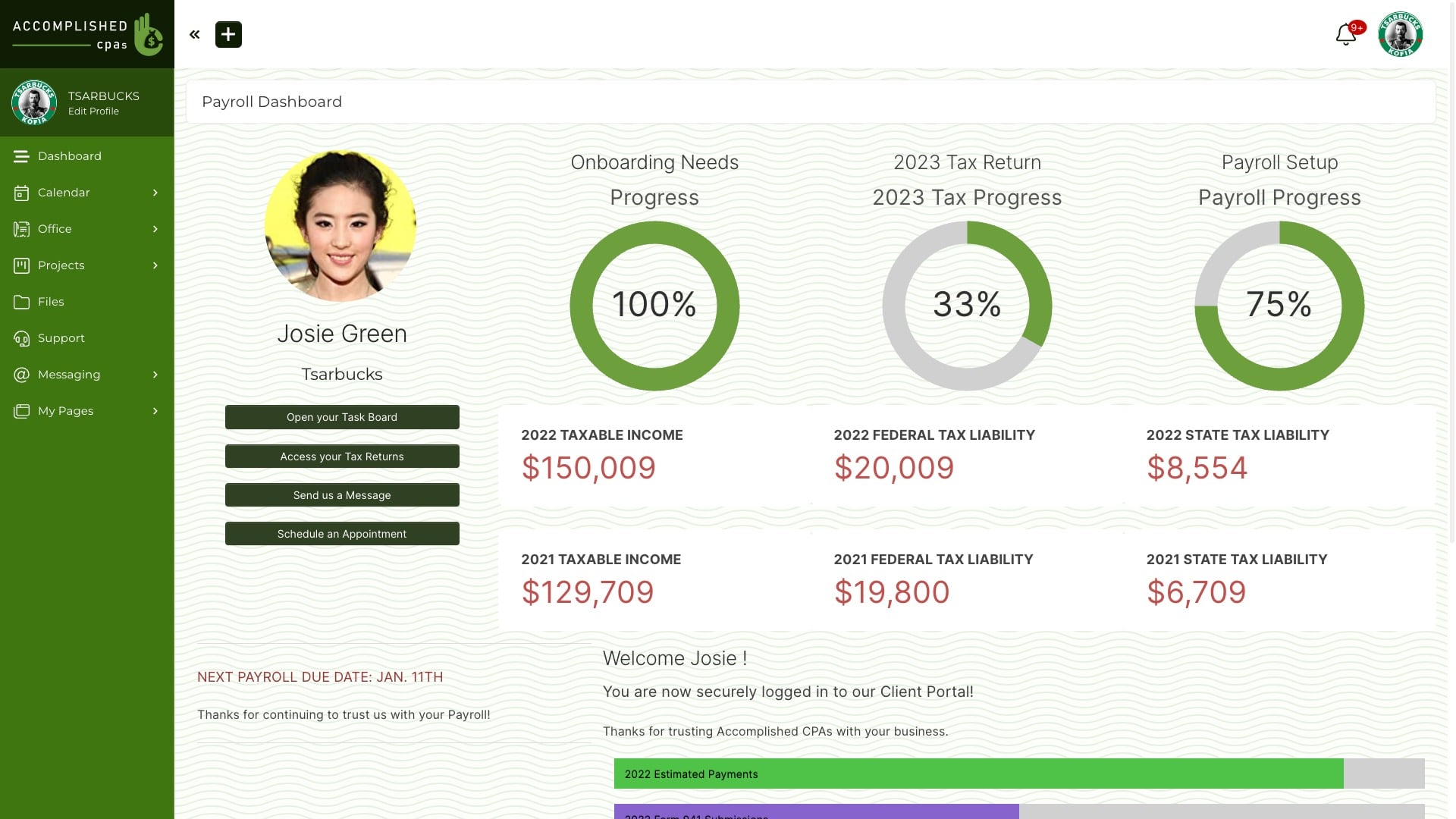
A configurable back office. Full page: SuiteDash alternatives.
Zendo
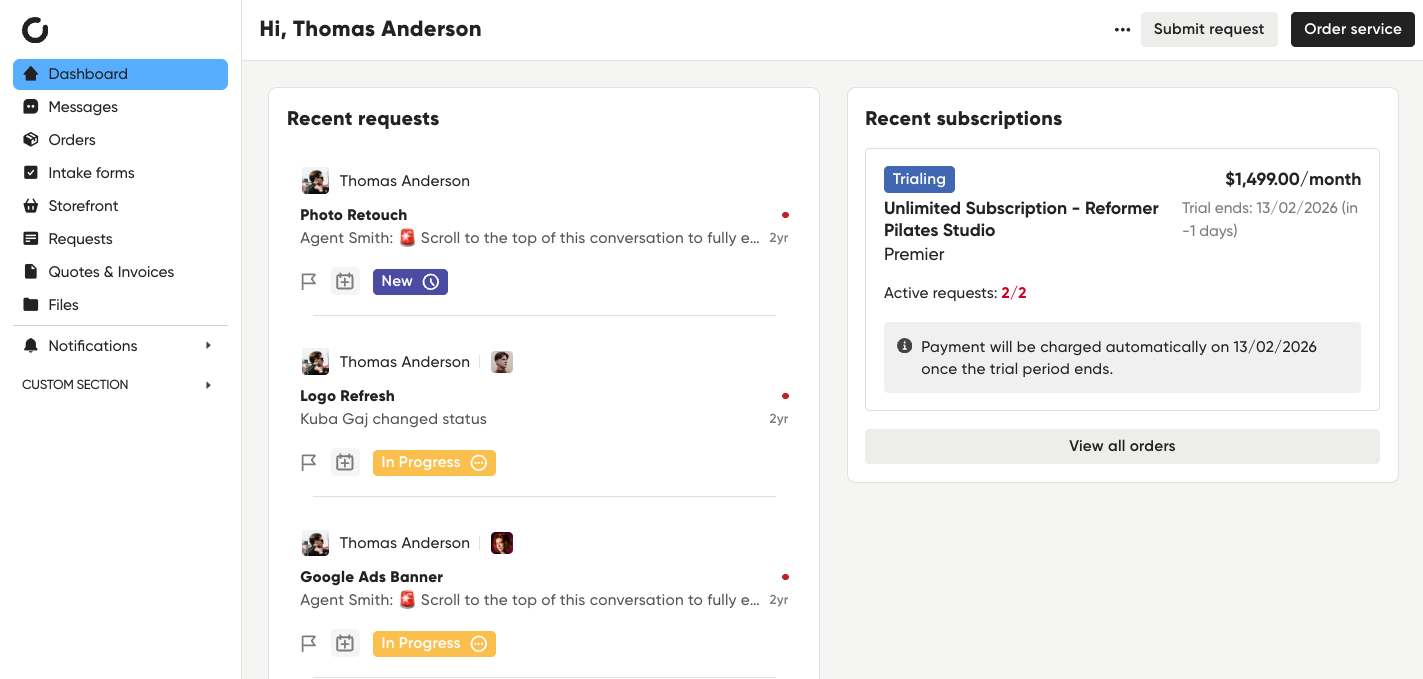
Request-led delivery with a storefront. Full page: Zendo alternatives.
Agency Handy
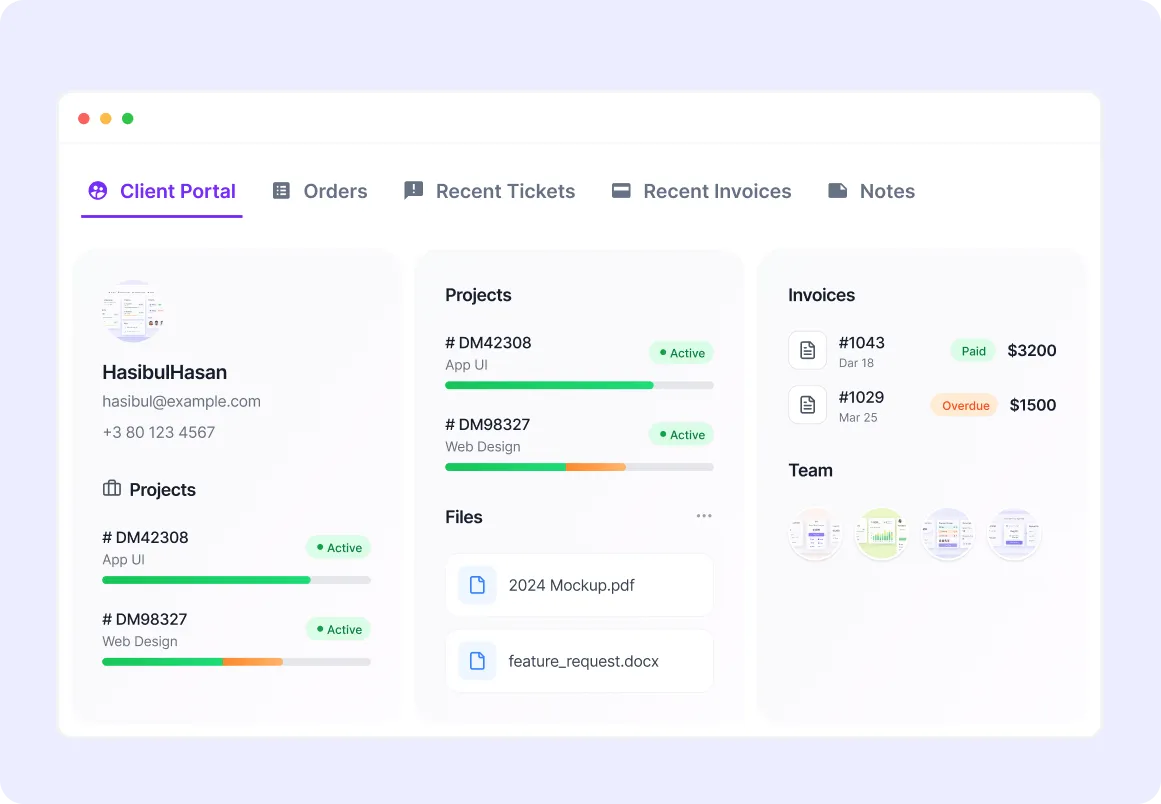
Portal plus internal projects. Full page: Agency Handy alternatives.
3 tests before you replace Clinked
Buy the same real service
Try to sell it without opening a new folder. If the tool only shares files, you still need a commercial layer.
Deliver one awkward request
Change scope, add a file, reply from email, ask for support, and issue a refund.
Sell the next service
Ask the same client to buy again without a new workspace setup.
Keep file control where it already works
Keep Clinked if document exchange is still the job clients pay you to manage. Identify the packages that share a scope and delivery pattern, turn those into services, and migrate the active clients who buy them.
Methodology
Clinked product, workspace, and file-sharing documentation reviewed August 2026. Claims here stay inside that public record and the Wayfront competitor notes checked the same month.
Frequently asked questions
Which stack should replace Clinked if you sell packages?
Keep Clinked when the job is a branded file room. Move when you sell packages and still need checkout and intake. Wayfront puts those jobs on one account. Assembly, SuiteDash, Zendo, and Agency Handy cover apps, a toolkit, requests, or an ops suite.
What should I test before replacing Clinked?
Use one service and one real client. Test the first purchase, an awkward delivery request, a second purchase, and every payment or message that must move between tools.
Do I need to move everything out of Clinked?
Keep Clinked if file sharing and workspace access are still the main job. Move the paid service, checkout, intake, and next sale first. Remove the old path only after a full billing and delivery cycle works.
When is Clinked a better fit?
Choose Clinked when you want a branded file-sharing workspace more than you want selling, billing, and delivery in one system.
See the service-to-delivery path
Wayfront keeps the purchase, intake, delivery, and next sale on the same client account.
Build your workspace